The Enhance WordPress toolkit provides a plugin manager that alllows users to install, activate/deactivate, update and delete WordPress plugins from within the Enhance control panel.
To install a plugin on a website:
- Open Websites in the left sidebar
- Locate the website you would like to install the plugin on and click Manage
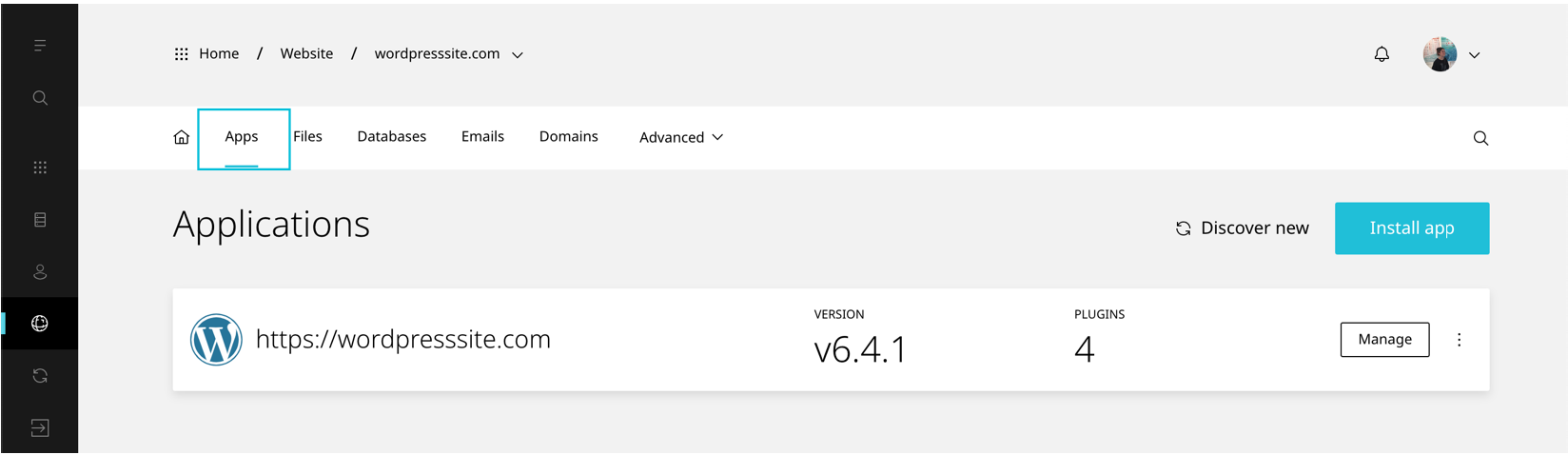
- When the website dashboard loads select Apps
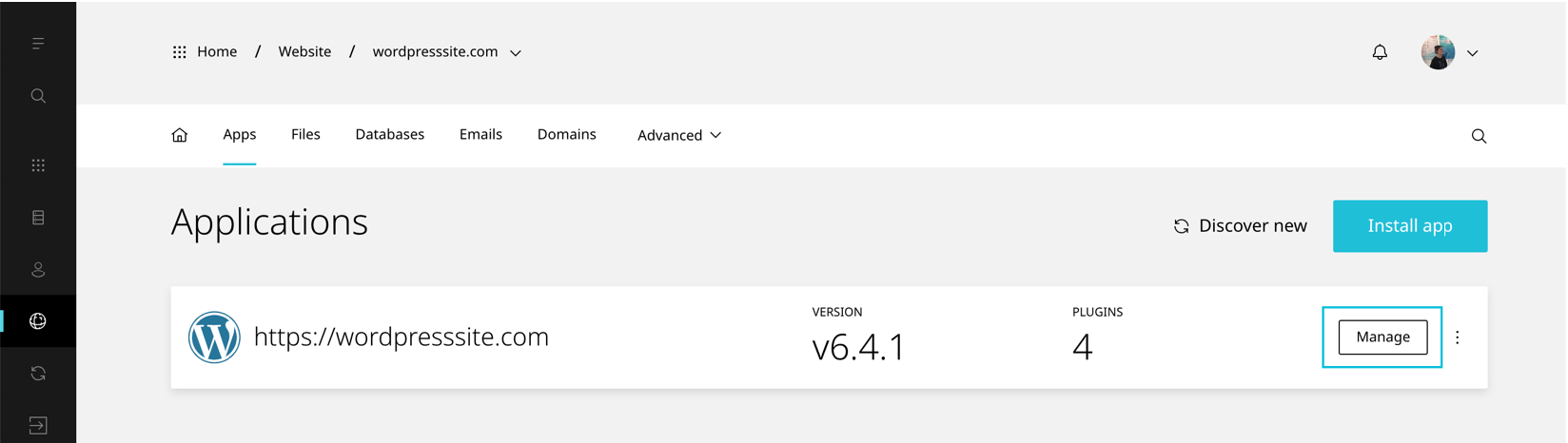
- Select Manage on the application you would like to install the plugin on
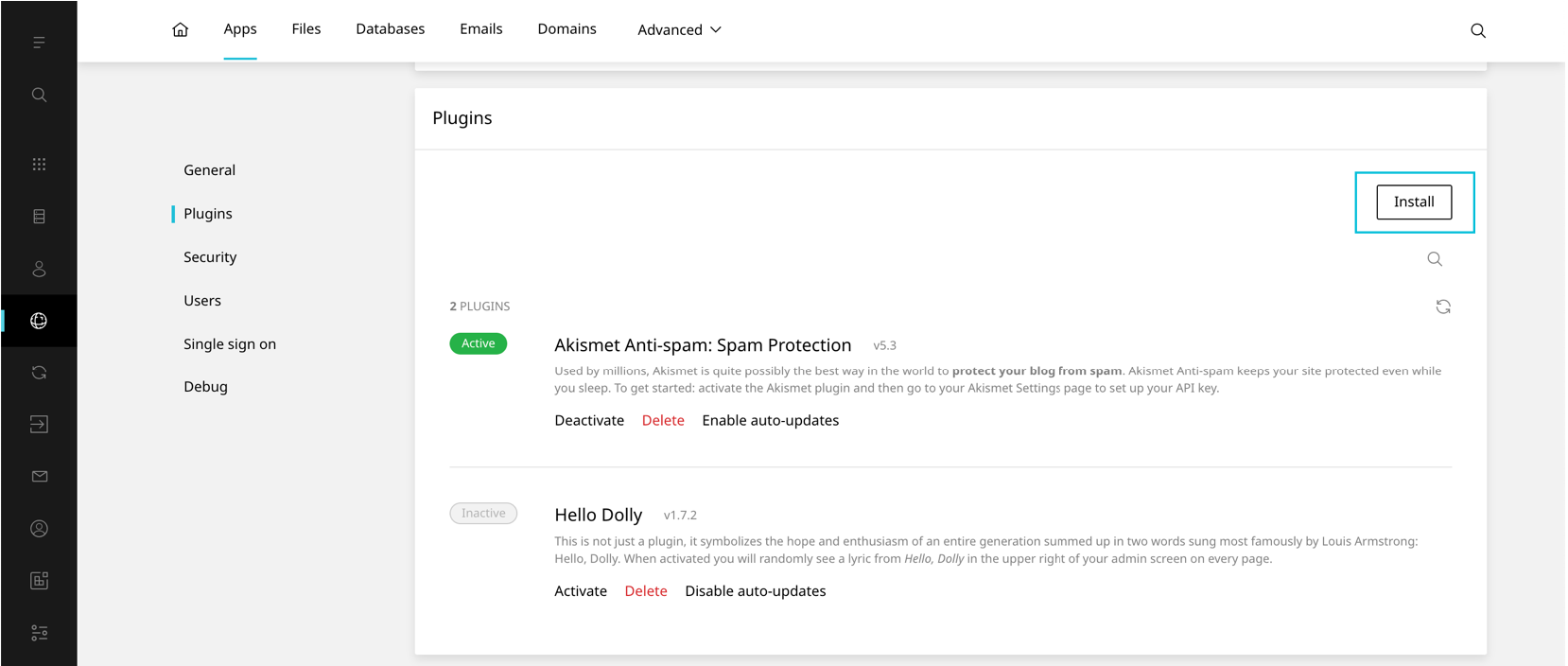
- Scroll to Plugins
- Select Install
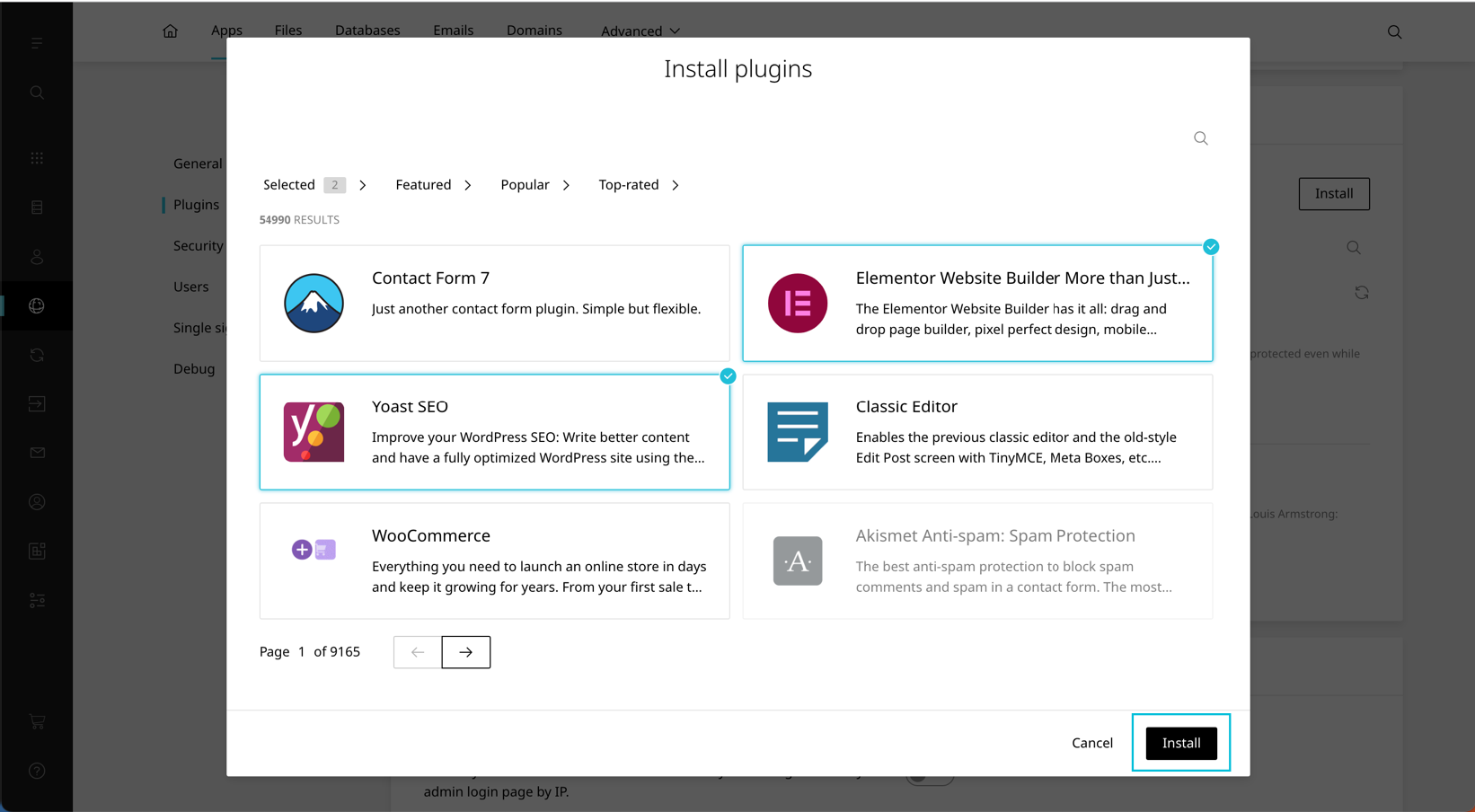
- Select the plugin(s) you would like to install
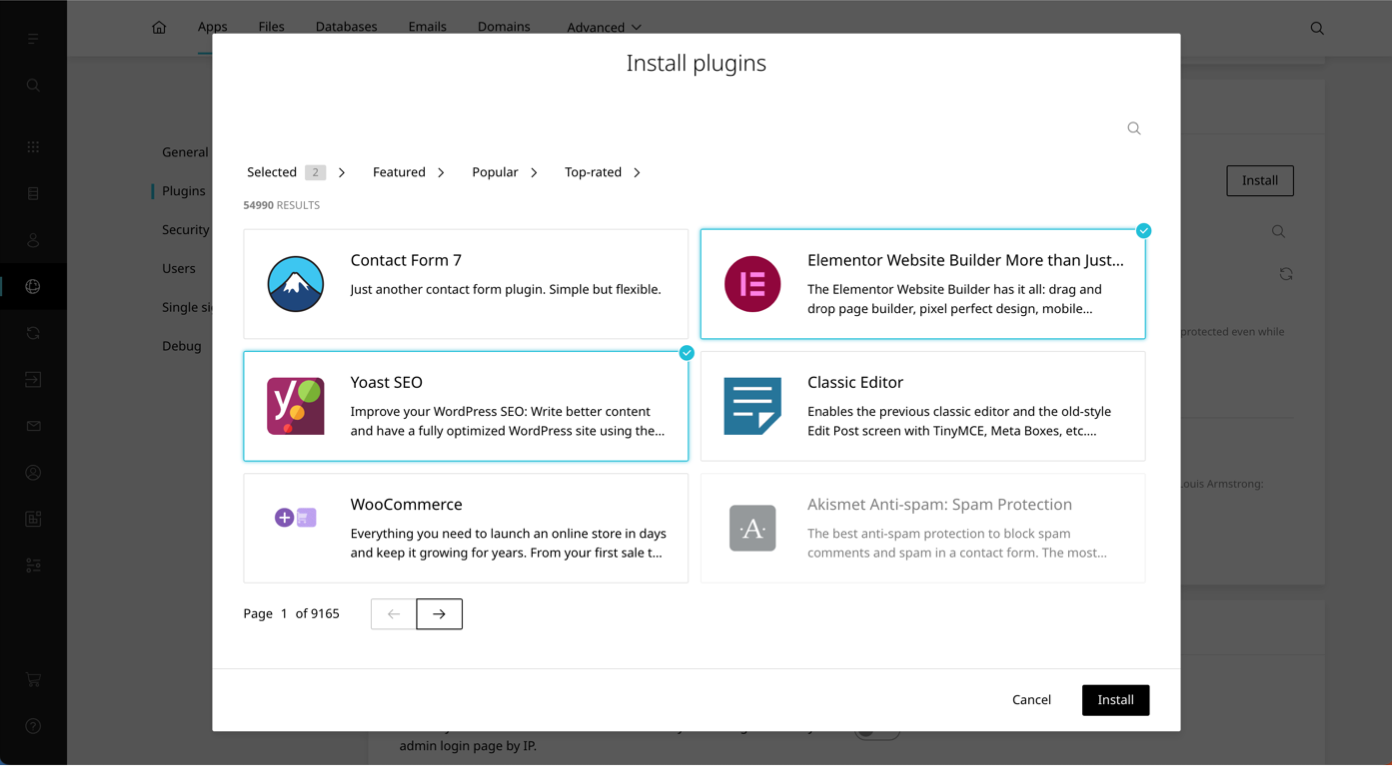
- To finish click Install