


What Is the Client Area?
The Client Area is your secure account dashboard. From here you can:
-
View and manage hosting services
-
Pay invoices and review billing history
-
Open and track support tickets
-
Manage domains, contacts, and account details
Step-by-Step: Accessing Your Client Area
1. Open the Client Area Login Page
Navigate to your preferred login method for the Client Area. This is typically located at:
-
or via the Login button on the website
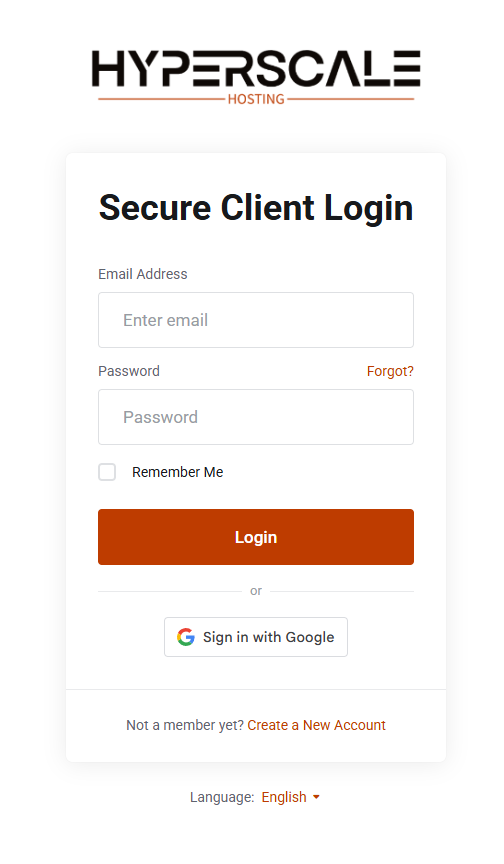
2. Enter Your Login Credentials
On the login screen, choose one of the following methods:
Standard Login
-
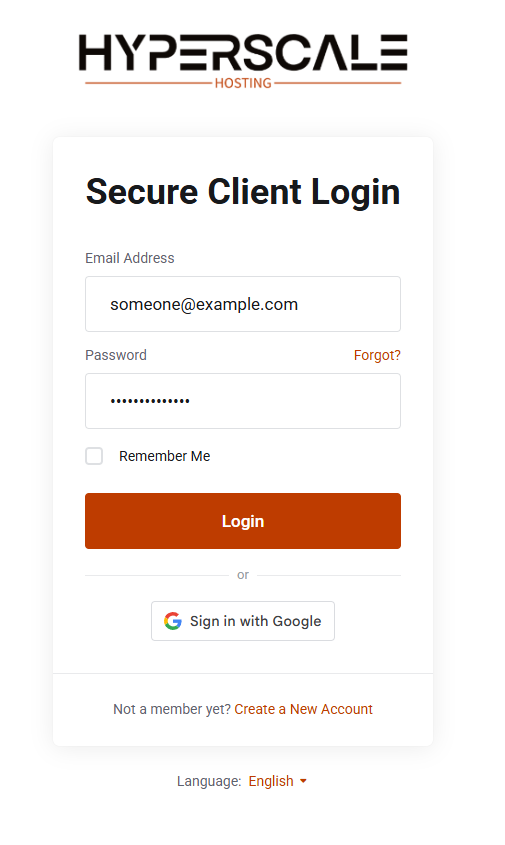
Enter the email address associated with your account
-
Enter your password
-
Click Login
Single Sign-On (SSO)
-
Click Sign in with SSO (label may vary, such as Sign in with Google or Company Login)
-
Authenticate with your SSO provider
-
You will be redirected back to the Client Area automatically
If enabled, you may also be prompted to complete two-factor authentication (2FA) after either login method.
3. Access Your Client Area Dashboard
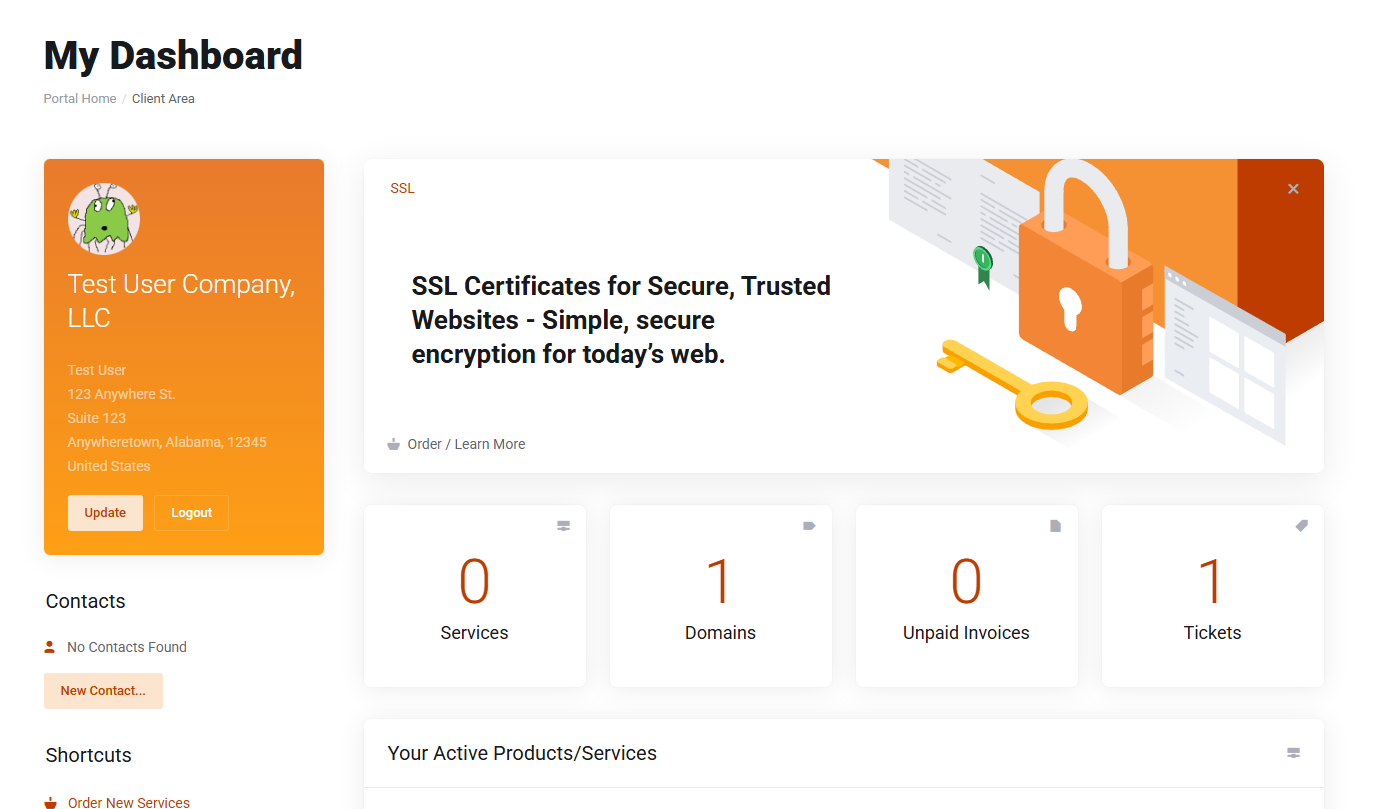
After logging in successfully, you will be taken to your Client Area dashboard. From here you can:
-
View active products and services
-
Check invoices and make payments
-
Open or reply to support tickets
-
Update account details
Forgot Your Password?
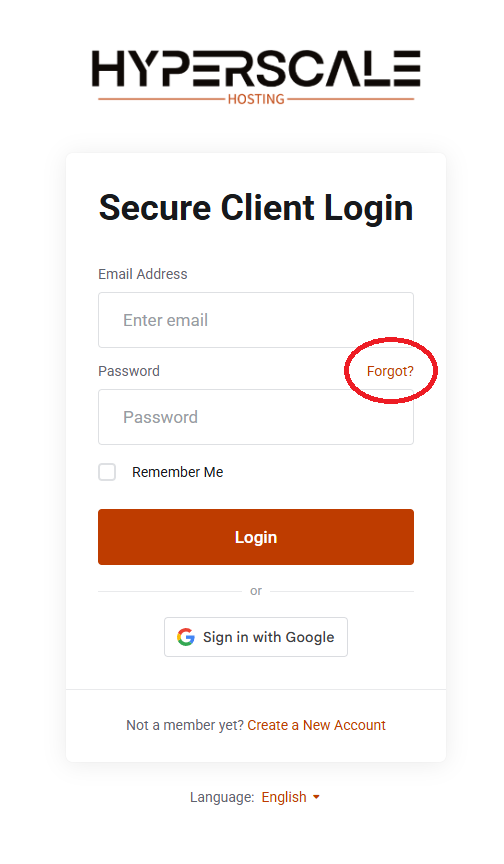
If you cannot log in:
-
Click Forgot Password? on the login page
-
Enter your account email address
-
Follow the password reset instructions sent to your email
Still need help?
If you’re unable to resolve the issue using this guide, contact our support team at support@hyperscale-hosting.com and include as much detail as possible so we can assist you quickly.


